

Buy more, pay less

Century 21 Business Cards
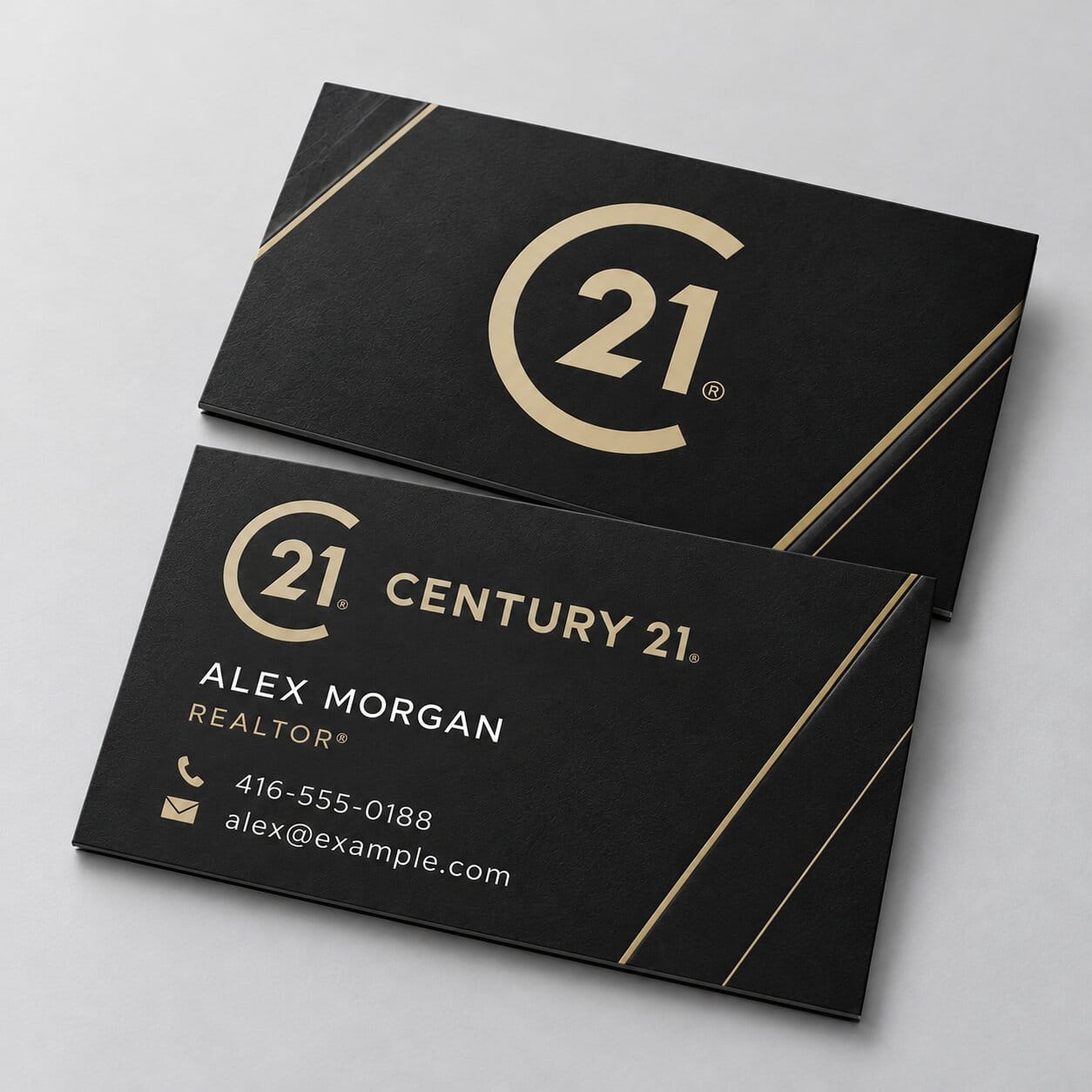
Century 21 Business Card
Everyday business cards for Century 21 agents, printed on sturdy 14pt card stock at our shop in Concord.14pt C2S card stock, no added coatingPrinted on both sides3.5″ × 2″ horizontal or 2″ × 3.5″ vertical250, 500, 1,000, 2,500 or 5,000 cardsSquare or rounded cornersReady in 2–4 business days, or the next business dayDesign your card online, or upload your print-ready file. More
From Price range: $ 28.88 through $ 123.80
For this item alone, before tax. Your exact price is shown at checkout.
About Century 21 Business Card
Everyday business cards for Century 21 agents, printed on sturdy 14pt card stock at our shop in Concord.
- 14pt C2S card stock, no added coating
- Printed on both sides
- 3.5″ × 2″ horizontal or 2″ × 3.5″ vertical
- 250, 500, 1,000, 2,500 or 5,000 cards
- Square or rounded corners
- Ready in 2–4 business days, or the next business day
Design your card online, or upload your print-ready file.
Affordable Century 21 business cards for open houses, listings and every client you meet. They are the quick, budget-friendly choice for agents who hand out cards every day.
What you get
- 14pt C2S card stock, no added coating
- Printed on both sides
- 3.5″ × 2″ horizontal or 2″ × 3.5″ vertical
- 250, 500, 1,000, 2,500 or 5,000 cards
- Square or rounded corners
- Ready in 2–4 business days, or the next business day
Your design
Design your Century 21 card online in our designer, or upload your own print-ready file. Prefer not to design it yourself? Choose “Create a design for me” and our designer will make it for you.
Pickup and shipping
Pick up your cards free at our shop at 151 Spinnaker Way, Unit 6, Concord, Ontario, or have them shipped by UPS anywhere in Canada and the US.
Century 21 is a trademark of its owner. Printomatic is an independent print shop and is not affiliated with Century 21.
| Coating | Uncoated |
|---|---|
| Specialty | Best Value |
| STOCK | 14pt |
Only logged in customers who have purchased this product may leave a review.
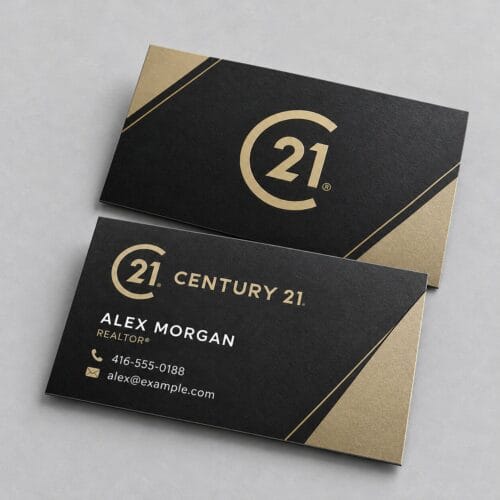
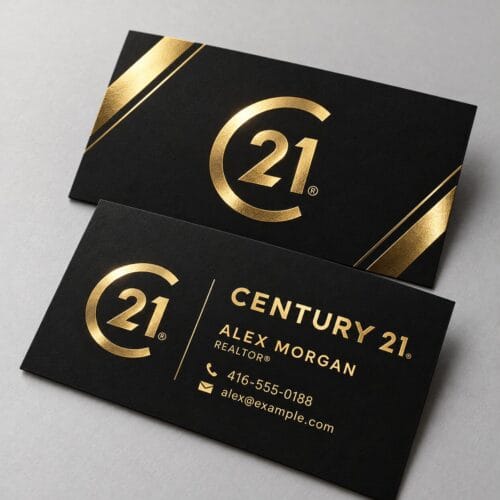
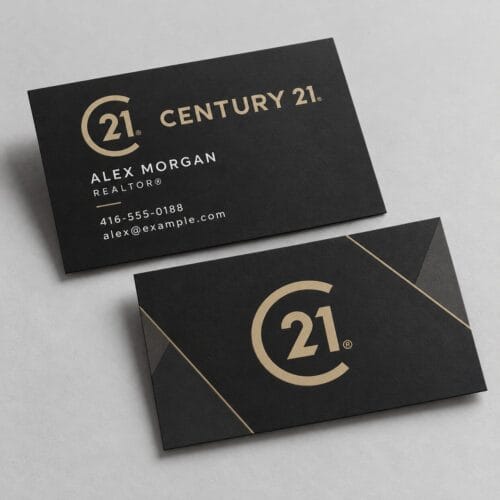
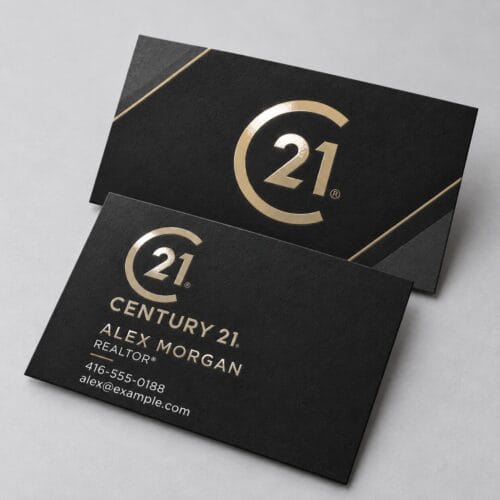
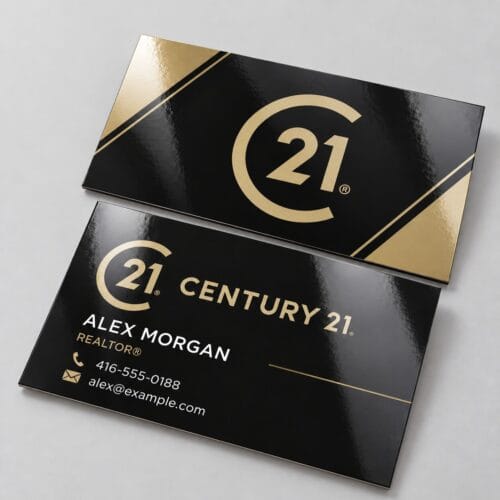
Select a template from the configurations below. Click on an image to see the preview. Click Customize below your selection to be taken to the Design Studio where you can easily add desired text and images. In the design studio, you also have access to our image library, as card card-body as ability to create your own library.
We suggest you to log-in before designing to ensure designs are saved.
 |  |  |
Step 1Ensure the file matches the product's required dimensions. Ensure that the artwork is created in CMYK 300 dpi with 1/16 inch bleeds on all sides. | Step 2Make sure that all images are embedded, and that all the text is outlined. | Step 3Export all files into PDF format with bleeds. |
Reviews
Clear filtersThere are no reviews yet.