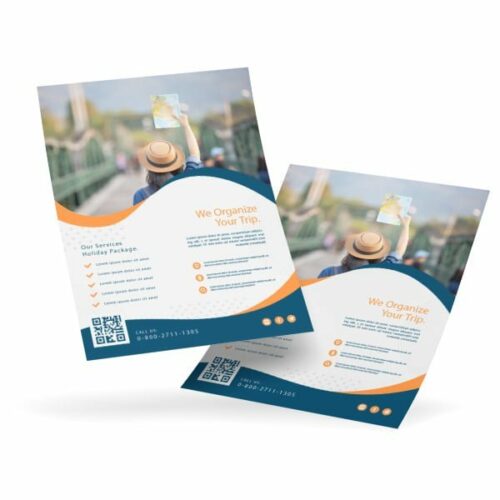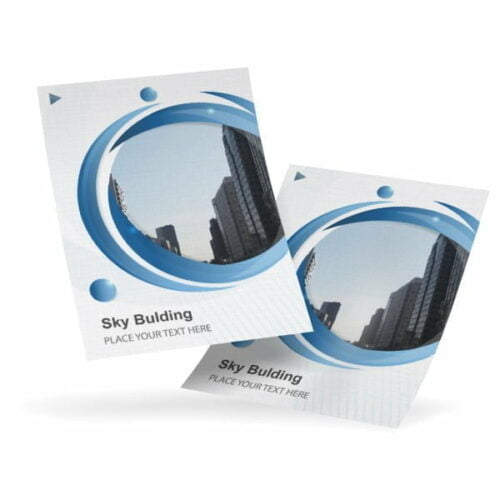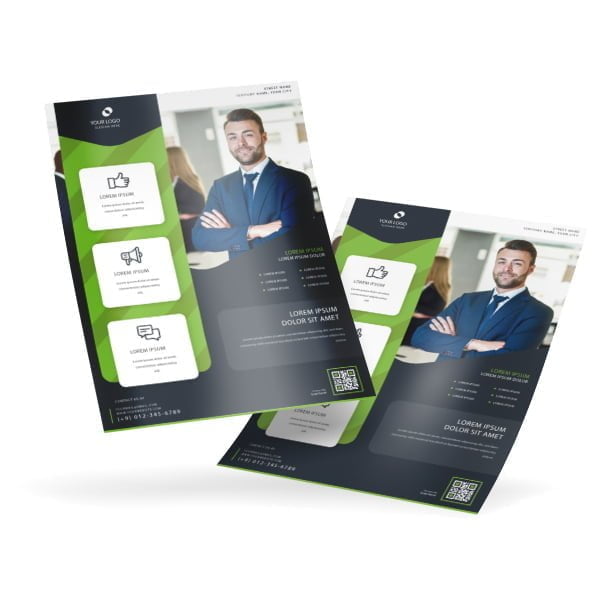
Flyers are great marketing tools for promoting both products and services. Gloss Text Flyers are the most popular and have a semi-gloss finish.

2 People watching this product now!

Gloss Text Flyers

From $ 69.12

{{nbd_fields['f1611937989270'].invalidOption}} is not available
{{nbd_fields['f1611955561856'].invalidOption}} is not available
{{nbd_fields['f1615560678663'].invalidOption}} is not available
{{nbd_fields['f1615562366681'].invalidOption}} is not available
{{nbd_fields['f1615562628013'].invalidOption}} is not available
{{nbd_fields['f1615565099764'].invalidOption}} is not available
{{nbd_fields['f1615566633866'].invalidOption}} is not available
{{nbd_fields['f1615570787791'].invalidOption}} is not available
{{nbd_fields['f1615571141667'].invalidOption}} is not available
{{nbd_fields['f1615571365372'].invalidOption}} is not available
{{nbd_fields['f1615571565771'].invalidOption}} is not available
{{nbd_fields['f1615571768439'].invalidOption}} is not available
{{nbd_fields['f1616423283463'].invalidOption}} is not available
{{nbd_fields['f1616423290324'].invalidOption}} is not available
{{nbd_fields['f1616423292368'].invalidOption}} is not available
{{nbd_fields['f1616423293706'].invalidOption}} is not available
{{nbd_fields['f1616423294716'].invalidOption}} is not available
{{nbd_fields['f1615559621705'].invalidOption}} is not available
{{nbd_fields['f1611945171776'].invalidOption}} is not available
{{nbd_fields['f1611953236779'].invalidOption}} is not available
{{nbd_fields['f1611953537704'].invalidOption}} is not available
{{nbd_fields['f1611953572463'].invalidOption}} is not available
{{nbd_fields['f1612026578794'].invalidOption}} is not available
{{nbd_fields['f1612032905924'].invalidOption}} is not available
{{nbd_fields['f1614893844727'].invalidOption}} is not available
{{nbd_fields['f1639949036729'].invalidOption}} is not available

Please check invalid fields and quantity input or choose a different combination!

Table pricing

FromUp toPrice / 1 item
{{pt.from}}{{pt.up != '**' ? pt.up : 'or more'}}
online design

Upload design

Artwork name :
Front Side
Back Side
Complete

← Back to option

ARTWORK PREPARATION TIPS

  1. Be sure to DELETE any hidden layers that are not intended to print (ie: setup guide layers or other hidden artwork layers) to ensure no risk of them appearing on the final print.
  2. Files must be submitted with proper orientation to ensure proper back up.
  3. It is best to try to avoid using borders in your design. If a border is too close to the trim, the trim may be slightly off-center.
  4. Ensure that your PDF is high res and that all images are CMYK at 300 DPI.
  5. All type must be outlined (not embedded).
  6. No linked images.
  7. If file contains a dieline, it must be a separate spot colour called Dieline and be on its own layer.
  8. The dieline shape must be a single path stroked.
  9. Please provide vector only artwork for type, logos, shapes and all other artwork. Only provide embedded raster artwork for actual 4/C images.
  10. Black type should have the following values: C0, M0, Y0, K100.
  11. The trim size of the Illustrator file must match the final trim size of the label. Use bleed settings in Illustrator of 0.0625 inches minimum each way.
  12. If you select a White Ink option with your order, please supply a single file that includes CMYK (if necessary) and a spot colour called exactly White_Ink. Do not supply separate files for CMYK and White Ink. If you want white ink to print under a blue colour, you need to set either the blue shape or the White_Ink shape to overprint to achieve this. You may also want to set a White_Ink shape to knockout so nothing prints on top of it. Remember to set overprints on any Dieline.
  13. File should be CMYK only (no RGB) with a Dieline and/or White_Ink spot colour depending on your order specifications.
  14. If you select Black Only option on your order, the file you supply should be K only (not CMYK or RGB) with a Dieline and/or White_Ink spot colours depending on your order specifications.

( * file extension allowed: .pdf )

How would you like to design your Gloss Text Flyers

Upload a full design

  • - Have a complete design
  • - Have your own designer

Design here online

  • - Already have your concept
  • - Customise every detail
×

Gloss Text Flyers

This is our most popular flyer stock and the sensible default for most jobs. Printed on 100lb glossy text containing 30 percent post consumer recycled content, with no additional coating applied. The result is a semi gloss sheet that looks clean and professional without the mirror shine of UV.

Because there is no coating layer, the sheet costs less than UV or laminated stock while still holding colour well, and it takes ballpoint ink reasonably, so staff can add a price or date by hand if they need to.

It suits general promotional handouts, menus, event programmes, insert advertising and anything produced in volume where cost per piece matters. Full colour on one or two sides. If you want maximum photographic impact choose UV high gloss, and if you want a completely flat editorial look choose our matte finish or linen uncoated stocks.

Flyers 100lb Gloss Text

Paper Type

100lb Glossy Text Stock

(contains 30% post consumer recycled material)

Coating

No Coating

Color

Full color CMYK: 1 sided (4/0), or 2 sided (4/4)

Quantities

Ranges from 250 to 25,000

Sizes
4.25″x11″8″x10″8.5″x3.5″
8.5″x5.5″8.5″x7″8.5″x7.5″
8.5″x118.5″x148.5″x17″
9″x12″9″x16″11″x17″
11″x25.5″11.5″x17.58″”12″x18″
17″x22″
Finishing

Cut to size, fold and box. Bundling is optional.

File Type

Print Ready PDF file

Special Instructions

Flyers are shipped flat with no folding.

Select a template from the configurations below. Click on an image to see the preview. Click Customize below your selection to be taken to the Design Studio where you can easily add desired text and images. In the design studio, you also have access to our image library, as card card-body as ability to create your own library.

We suggest you to log-in before designing to ensure designs are saved.


Step 1: artwork set to the required size in CMYK at 300 dpi with bleedsStep 2: images embedded and text outlinedStep 3: files exported to PDF with bleeds

Step 1

Ensure the file matches the product's required dimensions. Ensure that the artwork is created in CMYK 300 dpi with 1/16 inch bleeds on all sides.

Step 2

Make sure that all images are embedded, and that all the text is outlined.

Step 3

Export all files into PDF format with bleeds.